#1 Qwen Image 2.1 Hands-On Guide: License Pitfalls, 16GB VRAM Reality & Native RGBA (2026)
Real-world test of Qwen Image 2.1: commercial license traps, 16GB GPU performance, native RGBA transparency reality, and instant online workflows on our platform.
 Qwen Image 3.0
Let’s be direct: when Qwen Image 2.1 arrived, serious creators and engineers did not care about PR soundbites or launch hype. They asked three urgent, practical questions:
- Can you actually use Qwen Image 2.1 for commercial production without legal risks?
- Will Qwen Image 2.1 run on everyday 16GB or 12GB consumer graphics cards, or will it immediately crash with CUDA out-of-memory errors?
- Does the native RGBA transparency in Qwen Image 2.1 genuinely eliminate tedious Photoshop matting, or is it an overhyped marketing bullet point?
If you are evaluating whether to integrate Qwen Image 2.1 into your creative workflow, this hands-on breakdown cuts through the marketing fluff. You can run all test prompts from this article directly on our Create page without downloading 15B+ weights or roasting your local GPU. If you need test runs, grab free starter tokens on our Earn Credits page, or compare historical generations with our Qwen Image 3.0 vs Qwen Image 2 guide.
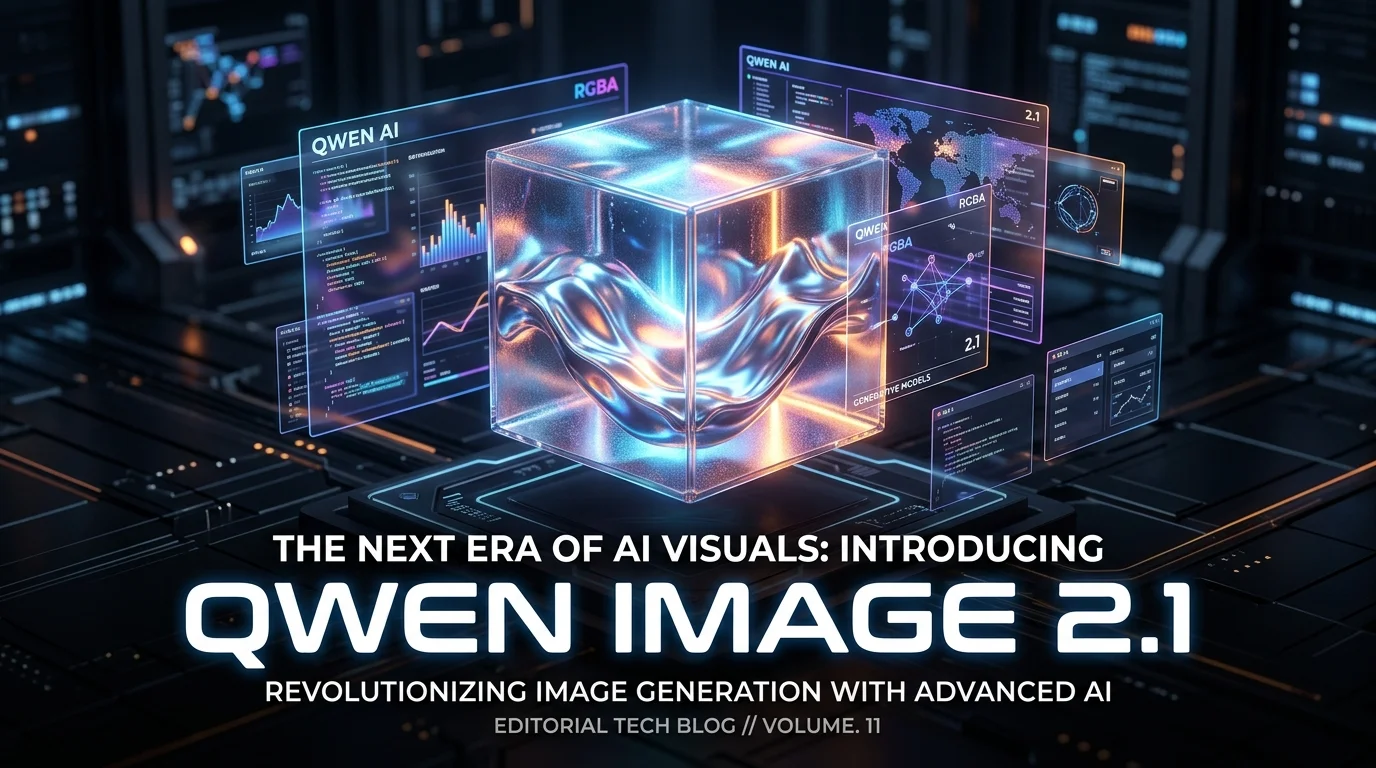
Editorial reference visual showcasing Qwen Image 2.1 native RGBA layering, 3D typography, and realistic reflections.
Pitfall 1: The Qwen Image 2.1 License Shift—Do Not Commercialize Blindly
Many teams assumed Qwen Image 2.1 would inherit the permissive Apache 2.0 license seen in earlier open releases. That assumption can cause major legal headaches for your business.
- The Reality: Qwen Image 2.1 is released under the proprietary Qwen Research License Agreement.
- What This Means: You can evaluate, benchmark, and tinker with Qwen Image 2.1 locally for research and education. But if you deploy Qwen Image 2.1 inside a commercial SaaS, sell API endpoints, or charge clients for image assets generated by Qwen Image 2.1, you violate the license unless you negotiate a formal commercial agreement with Alibaba.
- Our Recommendation: For non-commercial hobbyists, local Qwen Image 2.1 is great. For commercial delivery, rely on vetted cloud platforms (check our Pricing page) where commercial compliance and infrastructure are already secured for Qwen Image 2.1.
Pitfall 2: The VRAM Reality Check—Qwen Image 2.1 is Far Bigger Than 7B
Marketing materials describe Qwen Image 2.1 as a compact 7B Single-Stream Diffusion Transformer. That creates a dangerous illusion that Qwen Image 2.1 will breeze through a 12GB or 16GB graphics card.
Why Qwen Image 2.1 Devours VRAM
The visual generator in Qwen Image 2.1 is 7B parameters. But Qwen Image 2.1 replaces standard text encoders with Qwen3-VL-8B—a massive 8B parameter vision-language model. In total, unquantized Qwen Image 2.1 exceeds 15B parameters across the inference graph!
| Hardware Class | Local Qwen Image 2.1 Execution Status | Experience & Practical Advice for Qwen Image 2.1 |
|---|---|---|
| 24GB VRAM (RTX 4090) | Runs Qwen Image 2.1 in native BF16 precision | Smooth 2K rendering in Qwen Image 2.1, but memory hovers around 20GB–22GB |
| 16GB VRAM (RTX 4080 / 4070 Ti Super) | Requires FP8 quantization & ComfyUI weight streaming | Workable for Qwen Image 2.1, but generation slows down during multi-image caching |
| 12GB VRAM & Below (RTX 3060 / 4060) | Frequent CUDA OOM errors with Qwen Image 2.1 | Painful swapping to system RAM; running Qwen Image 2.1 locally is impractical |
This steep hardware barrier is why we built server-side cluster inference: on our Create page, high-tier server GPUs execute Qwen Image 2.1 in full fidelity, so you never worry about CUDA driver panics or system freezing while utilizing Qwen Image 2.1.
Pitfall 3: Native RGBA Transparency in Qwen Image 2.1—Real Win or Gimmick?
Traditional AI workflows suffer from the "generate in 5 seconds, cut out for 20 minutes" tax. Tools like RMBG or SAM often butcher hair strands, glass reflections, and dark borders. Qwen Image 2.1 embeds a 64-channel 16x spatial compression RGBA autoencoder that generates the alpha channel directly in latent space.
Field Test: Where Qwen Image 2.1 Delivers and Where It Struggles
- Where Qwen Image 2.1 Excels:
- E-Commerce Product Photography: Shoes, cosmetics bottles, and gadgets generated by Qwen Image 2.1 sit on transparent layers with crisp boundaries and zero background halos.
- Fine Fur and Hair: Animal fur and flying hair generated by Qwen Image 2.1 transition smoothly into transparency without jagged binary cuts.
- UI Assets & App Icons: Generating transparent PNG icons with Qwen Image 2.1 saves hours in UI layout assembly.
- Where Qwen Image 2.1 Struggles:
- Complex Glass Refractions: When translucent glass overlaps multiple specular light sources, Qwen Image 2.1 occasionally misidentifies transparency values, resulting in semi-opaque artifacts. In our web workspace, you can rapidly clean up those edge regions with localized editing tools designed for Qwen Image 2.1.
Pitfall 4: Managing 10 Reference Images in Qwen Image 2.1 Without Chaos
The ability of Qwen Image 2.1 to accept up to 10 conditioning images is phenomenal for virtual try-ons and character consistency. But if you simply dump 5 unorganized images into Qwen Image 2.1, the model's cross-attention will blend facial features, clothing, and background props into an uncanny mess.
Three Rules for Flawless Qwen Image 2.1 Multi-Reference Runs:
- Explicit Role Assignment: Instruct Qwen Image 2.1 explicitly on the purpose of each image ("Use Image 1 for face structure, Image 2 for coat pattern, Image 3 for posture").
- Leverage Prefix KV Caching in Qwen Image 2.1: Qwen Image 2.1 stores static prompts and reference context in a cross-step prefix cache. Keep reference images constant across iterations to unlock rapid generation in Qwen Image 2.1.
- Use Circle Inpainting Over Full Redraws: If you only need to change shoes or a hat, circle the target area and let Qwen Image 2.1 edit locally rather than regenerating the entire image with Qwen Image 2.1.
Vetted Prompts to Test Qwen Image 2.1 Directly on Our Platform
Paste these prompts directly into our Create page to audit the true capabilities of Qwen Image 2.1 without spending hours configuring local scripts.
Test Prompt 1: Qwen Image 2.1 Native Alpha Transparency & Fur Fidelity
A fluffy white Persian kitten sitting upright, looking curious, studio lighting.
Isolated completely on a clean transparent background.
Render native RGBA with a precise alpha transparency channel.
Fine individual fur strands blending into transparency smoothly, no white halo or jagged artifacts.
- Qwen Image 2.1 Audit Checklist: Download the transparent PNG from Qwen Image 2.1, place it over a dark background, and inspect the outer fur boundary for white halos or missed alpha masks.
Test Prompt 2: Qwen Image 2.1 Typography & Material Precision
Vertical 4:5 editorial poster on midnight matte cardstock.
A floating transparent glass cube filled with iridescent liquid metal, realistic refractions.
Crisp typographic layout in bold white sans-serif:
"QWEN IMAGE 2.1"
"NATIVE RGBA"
"PRECISION CORE"
Exact character spelling, perfect kerning, balanced margins, 2K resolution.
- Qwen Image 2.1 Audit Checklist: Verify that Qwen Image 2.1 renders every letter accurately without duplicated glyphs, and verify that the liquid metal reflections match physical light sources in Qwen Image 2.1.
Final Verdict: Local Hardware Hassle vs Hosted Qwen Image 2.1
Qwen Image 2.1 is not an effortless magic bullet, but a potent, industrial-grade generator for creators who understand its nuances:
- Run Qwen Image 2.1 Locally: Only if you own a 24GB GPU (RTX 3090/4090) and are conducting purely non-commercial academic research with Qwen Image 2.1.
- Use Our Hosted Qwen Image 2.1 Platform: If you need reliable commercial assets, want to avoid configuring ComfyUI node spaghetti, or have a sub-24GB graphics card. Test Qwen Image 2.1 right now on our Create page, check affordable plans on Pricing, and use Earn Credits to start generating with Qwen Image 2.1 immediately.
By mastering the unified 7B DiT architecture and native RGBA pipeline of Qwen Image 2.1, you can bypass traditional asset friction and produce stunning commercial visuals with Qwen Image 2.1 today.